IPTV in Toronto: Condo Wi-Fi, GTA Channels and Late Games
Watching IPTV in Toronto comes down to two things. First, you need a steady connection in a crowded building. Second, you want channel folders that match a very mixed city. MyTVOnline is an independent IPTV provider for Canadian households, and this page focuses on the GTA.
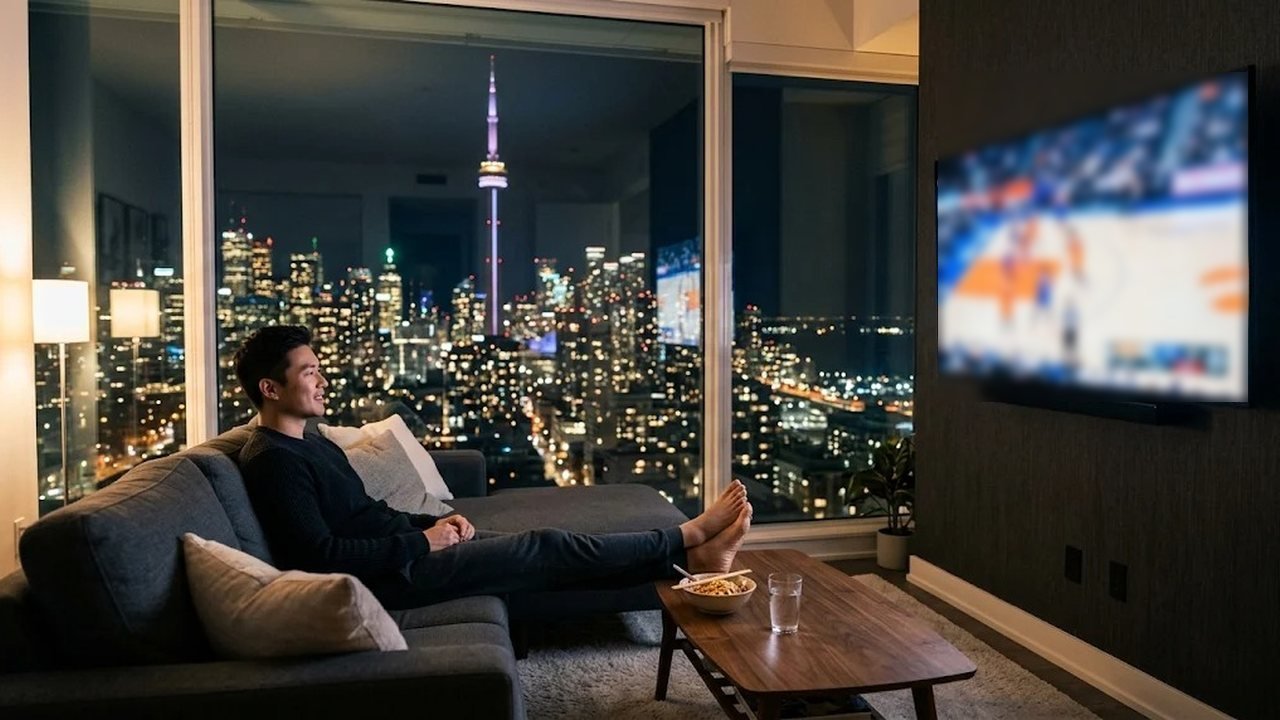
The Greater Toronto Area stretches from lakeshore condos downtown to quiet crescents in Pickering and Oakville. So viewing setups differ a lot from one postal code to the next. Still, the same login works in all of them, because the service runs over your home internet rather than a cable line.
What makes IPTV in Toronto different
Many viewers here live in condos, rental towers or split houses. That shapes how streams behave. Dozens of routers compete for the same airwaves, especially after dinner. Meanwhile, one family may want English news, a Tamil drama and a Portuguese soccer match in the same evening. For that reason, the tips below cover the network first and the channels second.
Condo and high-rise Wi-Fi tips for Toronto IPTV
A fast internet plan means little if the signal fades between the router and the TV. Concrete floors, elevator shafts and mirrored glass all weaken Wi-Fi. Therefore, small changes at home often fix more buffering than a pricier package.
Run wired backhaul where you can
The most reliable link is a cable. If the router sits by the front door and the TV is across the suite, a flat Ethernet cable along the baseboard usually solves it. Alternatively, a mesh system with wired backhaul joins each node by cable. That way, Wi-Fi only has to cover the last few metres.
Pick 5 GHz and place the router well
The 2.4 GHz band is crowded in towers because nearly every unit broadcasts on it. Instead, connect the streaming stick to the 5 GHz network, which carries more data over short distances. Also, keep the router off the floor and out of closets. If two people stream at once, allow about 10 Mbps for each Full HD stream.
Channel categories for GTA multicultural households
Toronto homes often keep a second language on the TV. That is why our international packs matter as much as the English line-up. Inside the player app, they sit in clear folders:
- South Asian channels in Hindi, Punjabi, Tamil, Urdu and Gujarati.
- Chinese-language news, drama and variety in Cantonese and Mandarin.
- Caribbean music, talk and news.
- Italian and Portuguese entertainment, news and soccer coverage.
- Filipino news and teleserye drama.
Alongside those, you get Canadian national and regional news, local Toronto stations, English entertainment and live sports channels. Line-ups do change, so check your folders during the trial. Our post on international TV in Canada explains each pack in more depth.
Eastern time, late games and catch-up
Toronto runs on Eastern time, so most evening broadcasts land at a friendly hour. However, a hockey or basketball game out west can start at 10 pm and end well after midnight. Catch-up on supported channels lets you replay it over breakfast instead. Likewise, the 7-day program guide shows the week ahead, so you can plan around shift work or a long commute.
International viewers face the opposite problem. For instance, a live cricket match from South Asia may air before dawn here. In that case, catch-up and the 235,000+ movies and series on demand do the heavy lifting. That flexibility is a big part of why IPTV in Toronto suits shift workers and early risers alike.
Toronto IPTV in Mississauga, Brampton, Markham and Scarborough
The suburbs bring their own setups. In Mississauga and Brampton, plenty of families have a detached or semi-detached home with a basement TV room. There, a mesh node on each floor usually beats a single router upstairs. Markham townhouses tend to be narrow and tall, so place the router on the middle floor if you can.
Scarborough has many older apartment towers, where thick walls behave much like a condo. Homes in Vaughan or Richmond Hill, by contrast, may sit on fibre that handles several 4K streams with room to spare. Wherever you are, the login stays the same. Plus, you can pick two or three devices at checkout for different rooms.
Devices and setup
Most GTA households already own something that works. Samsung and LG Smart TVs run player apps from their stores, while Fire TV Stick and Android TV boxes can use our free 8K Player app. iPhone, iPad, Apple TV, PC, Mac and MAG boxes are supported as well. Our installation guide covers each one, from the first download to the channel list.
You receive an M3U link and Xtream codes on WhatsApp, usually within minutes of payment. Plans are one-time payments from US$12.99 for a month to US$74.99 for a year, with no auto-renewal. Compare every option on the prices page, or read the Canada-wide service overview first.
Getting started with IPTV in Toronto
First, ask for a free trial on WhatsApp. Then test it on a weeknight around 9 pm, when building Wi-Fi is busiest. Check the folders your family needs, and compare one stream on 5 GHz with one on a cable. After that, choose a plan and the number of screens.
If a genuine service issue cannot be fixed, the refund policy allows a refund within 24 hours of payment. Need help with a router or a missing folder? The contact page lists every way to reach support. In short, IPTV in Toronto runs smoothly with a solid home network and a trial that proves it first.
Frequently asked questions
Why does my stream buffer in a condo?
Crowded 2.4 GHz Wi-Fi and concrete walls are the usual causes. Switch to 5 GHz, move the router out of closets or run an Ethernet cable to the TV.
Are there South Asian and Chinese-language channels?
Yes. International folders include South Asian, Chinese-language, Caribbean, Italian, Portuguese and Filipino channels. Check the ones you need during the free trial.
Can I watch a late game the next morning?
Yes, on channels that support catch-up. The 7-day guide also helps you plan around late starts out west.
Does the same login work in Mississauga or Markham?
Yes. The login works on any home internet connection across the GTA, and you can add two or three devices at checkout.
Ready to start streaming at home?
Start with a free trial, then choose the plan length and number of devices that fit your household.